
ImmoScout24 Flat Comparison
Stop losing track of flats. Compare them side-by-side.
Add to Chrome — It's Free📌 Save as You Browse
Click one button on any ImmoScout24 listing to add it to your comparison.
📊 Compare Everything
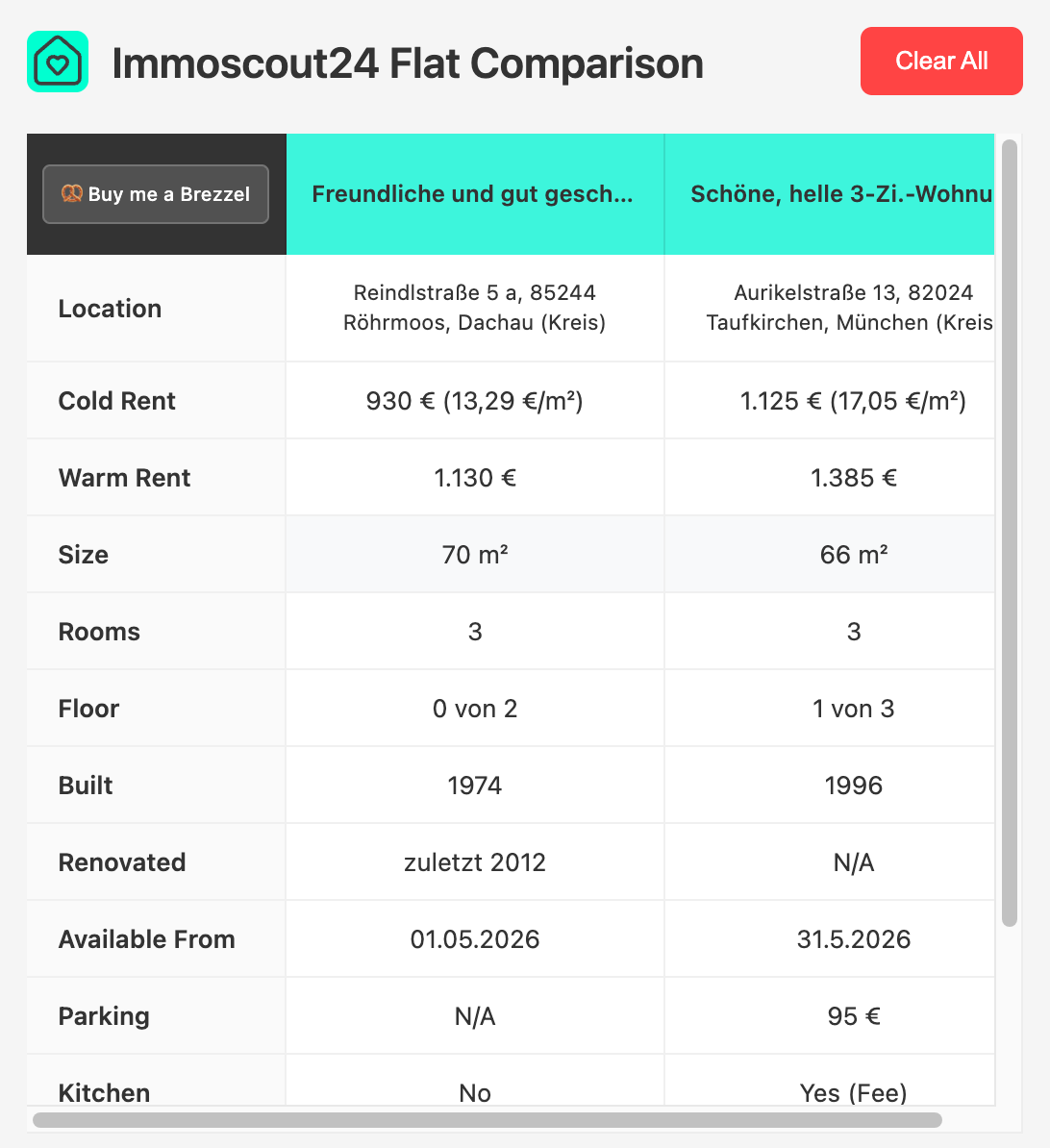
See price, size, rooms, and location for all your saved flats in one clean table.
🔒 100% Private
All data stays in your browser. No tracking, no servers, no BS.
How It Works
1
Browse ImmoScout24
Open any flat listing you're interested in.
2
Click "Compare Flat"
The button appears at the top right of every listing page.
3
View Your Comparison
Click the extension icon to see all your flats side-by-side.